Skip to content
Animal HospitalShift Desk
Symptom-to-item reference

Animal Hospital Treatment Guide

Match symptoms with the correct treatment items and treat patients faster.

Treatment workflow

How to use the Animal Hospital treatment guide without wasting supplies

The treatment table is a symptom-to-item reference, not a replacement for admission checks. Confirm that the patient belongs in the normal treatment flow, read the complaint, find the matching item, and prepare the route before filling inventory slots.

01

Diagnose before collecting items

Read the exact complaint and separate similar categories. Dry eyes and dehydration both sound like hydration problems, but they use different items. Headache and stomach ache require different supplies. Fever, bruises, bleeding, rash, flu, and syrup requests also have distinct matches. Carrying a random selection slows the team and can consume limited space.

Repeat the symptom aloud or in chat before leaving the room. That small confirmation prevents another player from preparing a second, conflicting item. When the complaint is unclear, return to the file instead of guessing. A delayed correct treatment is usually easier to recover from than a confident wrong route.


02

Organize inventory by team role

Inventory classes reduce repeated supply runs, but extra slots only help when the team agrees on who carries what. Group common items by treatment responsibility and leave room for the confirmed patient. A Nurse or Head Nurse can support multiple rooms, while another player keeps reception and CCTV moving.

Do not turn the table into a fixed loadout that ignores the queue. The best inventory changes with current complaints, team size, and distance between rooms. Reset unused supplies when they block a more urgent item, and tell teammates before moving a patient so treatment and transport stay synchronized.

03

Handle uncertainty and updates

This page covers the common documented matches and notes that Room 8 contains additional special items. If a live complaint or item is missing, do not force it into the closest category. Check current in-game instructions and sources, then report the new case with a screenshot or exact wording.

Visuals can change even when the treatment function stays the same, such as the documented bandage cross update. Use item names and symptoms together instead of memorizing one icon color. After a game update, confirm the table against the client before relying on an old screenshot.

04

Recover from a treatment mistake

When the wrong item is prepared, stop and identify whether the error came from the complaint, the table lookup, or team communication. Return unused supplies, restate the confirmed symptom, and assign one person to fetch the replacement instead of sending the whole team.

After the patient is handled, update the team shorthand that caused the confusion. Clear symptom names and item names are safer than private nicknames, especially when new players join or the game changes an icon.

Common treatments

Match the confirmed symptom to the treatment item.

Use the image and symptom label together so the correct item is easy to find during a busy Animal Hospital shift.

Eyedrops treatment item
Animal Hospital treatment

Dry eyes → Eyedrops

Use Eyedrops after the Animal Hospital patient is admitted with dry eyes.

IV Drops treatment item
Animal Hospital treatment

Dehydration → IV Drops

Use IV Drops after the Animal Hospital patient is admitted with dehydration.

Medkit treatment item
Animal Hospital treatment

Bruises → Medkit

Use Medkit after the Animal Hospital patient is admitted with bruises.

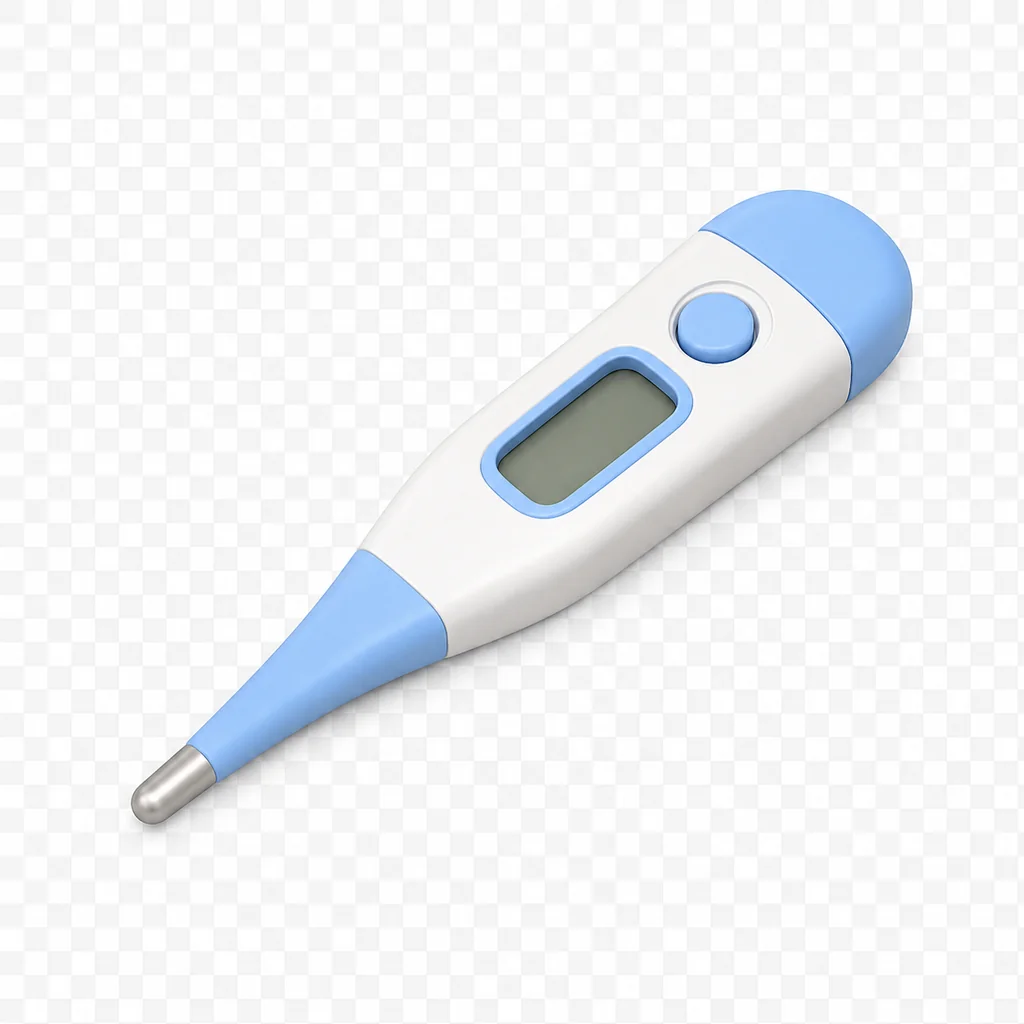
Thermo treatment item
Animal Hospital treatment

Fever → Thermo

Use Thermo after the Animal Hospital patient is admitted with fever.

Ointment treatment item
Animal Hospital treatment

Rash → Ointment

Use Ointment after the Animal Hospital patient is admitted with rash.

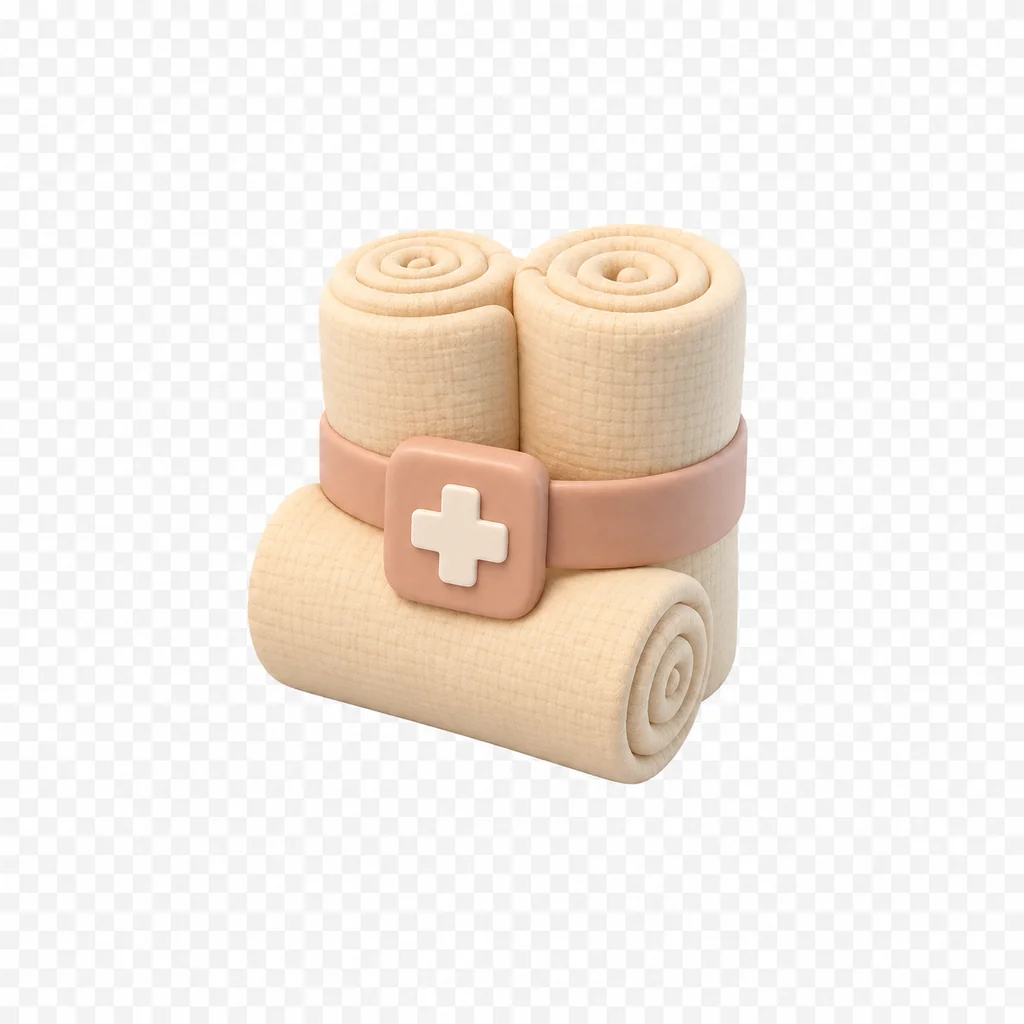
Bandages treatment item
Animal Hospital treatment

Bleeding → Bandages

Use Bandages after the Animal Hospital patient is admitted with bleeding.

Other treatment items

Keep the remaining supplies easy to recognize.

These supplies cover additional complaints that appear after the main symptom checks.

Medicine treatment item
Animal Hospital treatment

Headache → Medicine

Use Medicine after the Animal Hospital patient is admitted with headache.

Herbs treatment item
Animal Hospital treatment

Stomach ache → Herbs

Use Herbs after the Animal Hospital patient is admitted with stomach ache.

Maple Syrup treatment item
Animal Hospital treatment

Low sugar → Maple Syrup

Use Maple Syrup after the Animal Hospital patient is admitted with low sugar.

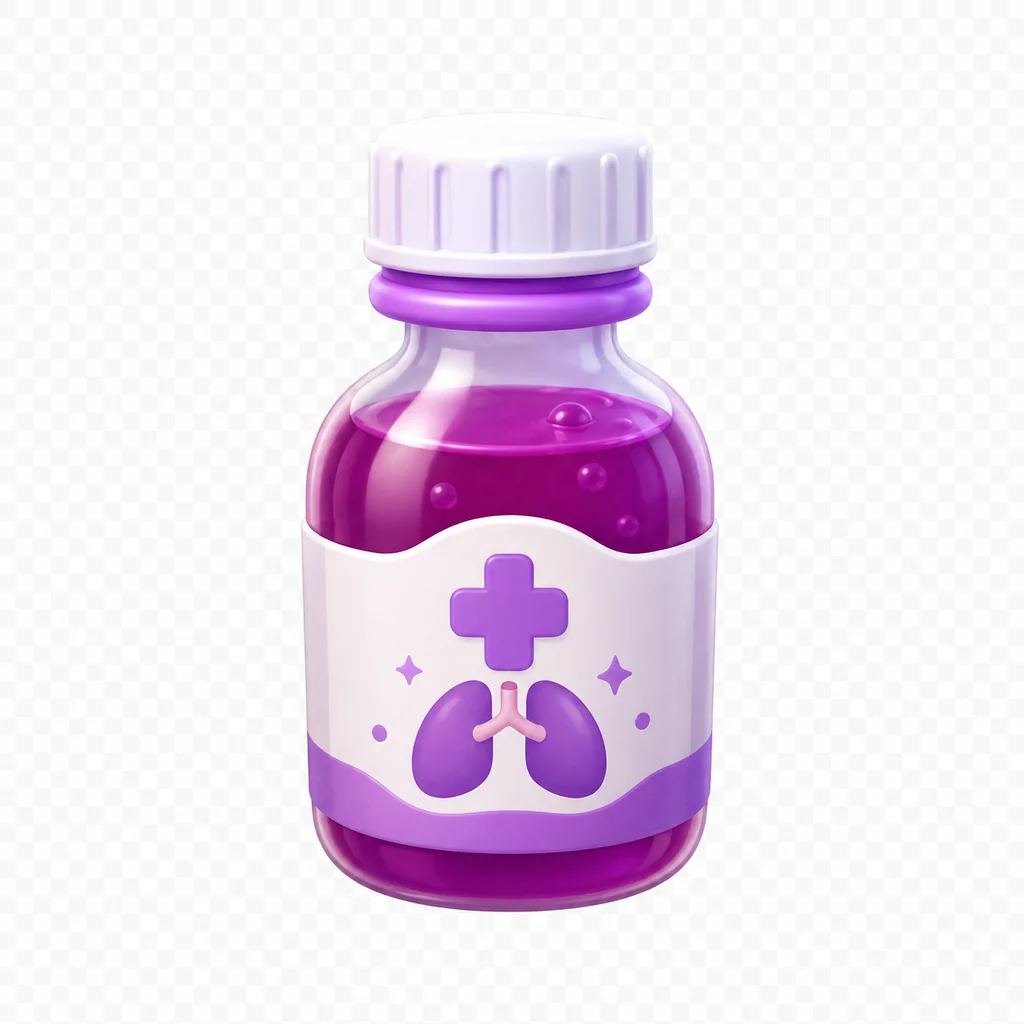
Cough Syrup treatment item
Animal Hospital treatment

Flu or cough → Cough Syrup

Use Cough Syrup after the Animal Hospital patient is admitted with flu or cough.

  1. 1Identify the symptom.
  2. 2Pick the matching treatment item.
  3. 3Confirm the patient state after treatment.
SymptomItemCategoryShift note
Dry eyesEyedropsHydrationA direct treatment-room match.
DehydrationIV DropsHydrationPrepare the IV item before moving the patient.
BruisesMedkitRecoveryConfirm the symptom before using limited supplies.
FeverThermoRecoveryUse the temperature-focused treatment item.
Rash or skin irritationOintmentSkinMatch the visible condition before treating.
BleedingBandagesSkinCommunity update notes changed the bandage cross from red to white.
HeadacheMedicineAchesKeep medicine separate from herbs during fast shifts.
Stomach acheHerbsAchesUse herbs for the documented stomach complaint.
Low sugar / syrup requestMaple SyrupSyrupsA distinctive treatment that is easy to misplace.
Flu or coughCough SyrupSyrupsConfirm the patient complaint before applying it.

Diagnose before carrying

Read the patient complaint and confirm the room before filling inventory slots.

Build a team inventory

Nurse and Head Nurse classes can reduce repeated supply runs.

Protect sanity

Wrong decisions can cost sanity. Use a quick reference when the shift becomes crowded.

We use optional Google Analytics only if you allow it. Future ads may use third-party cookies or similar identifiers; details are listed in the Privacy Policy.