Skip to content
Animal HospitalShift Desk
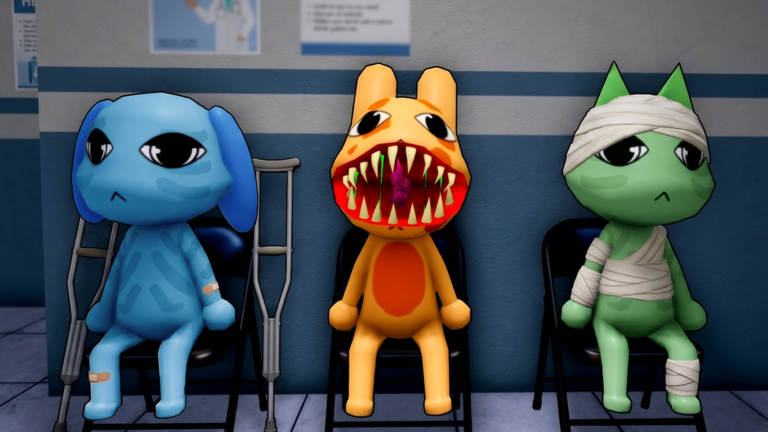
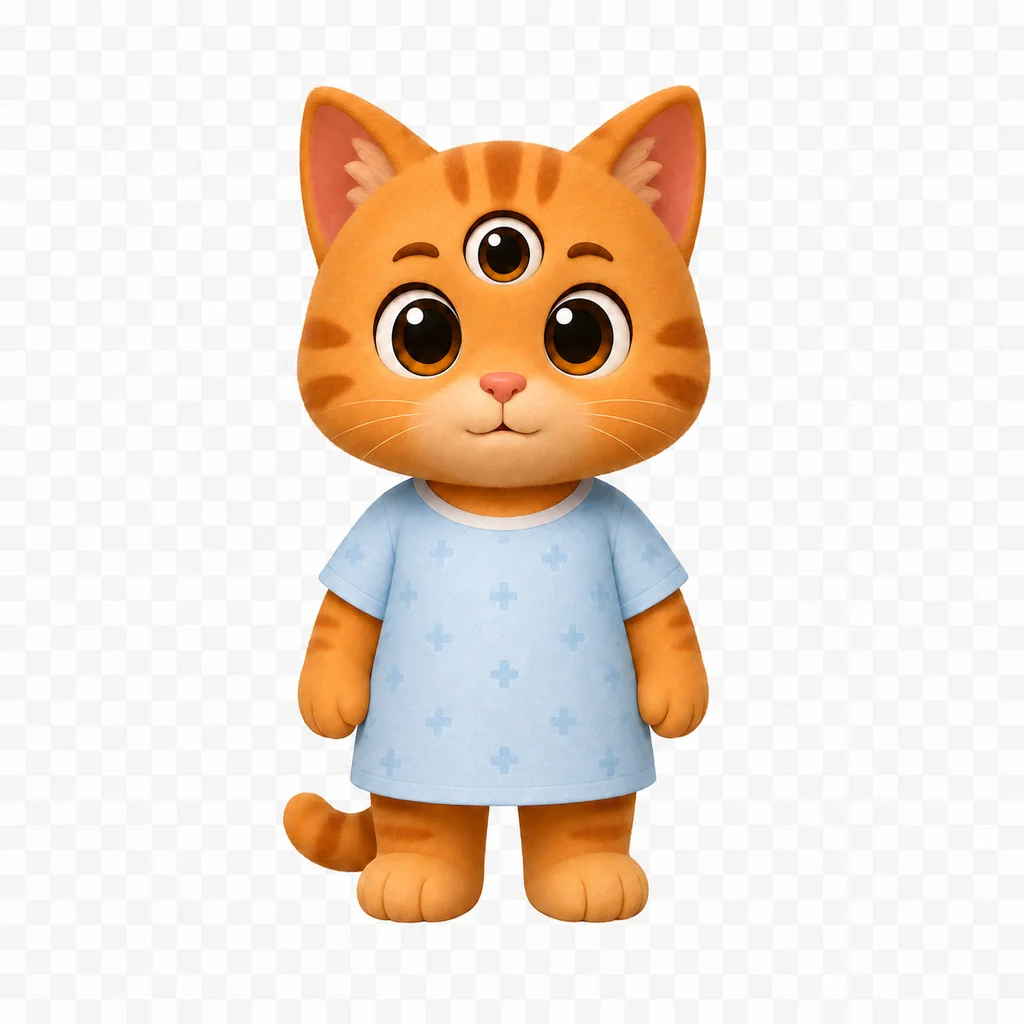
Three Animal Hospital patients waiting for their night-shift check
Night shift companion
Animal Hospital (Anomaly) Roblox guide

Animal Hospital
Anomaly Guide

Check the patient. Survive the shift.

Check anomaly signs, compare classes, match treatments, and keep the five-step checklist open while you play.

12Checked warning patterns
10Current classes compared
5 checksOne patient checklist
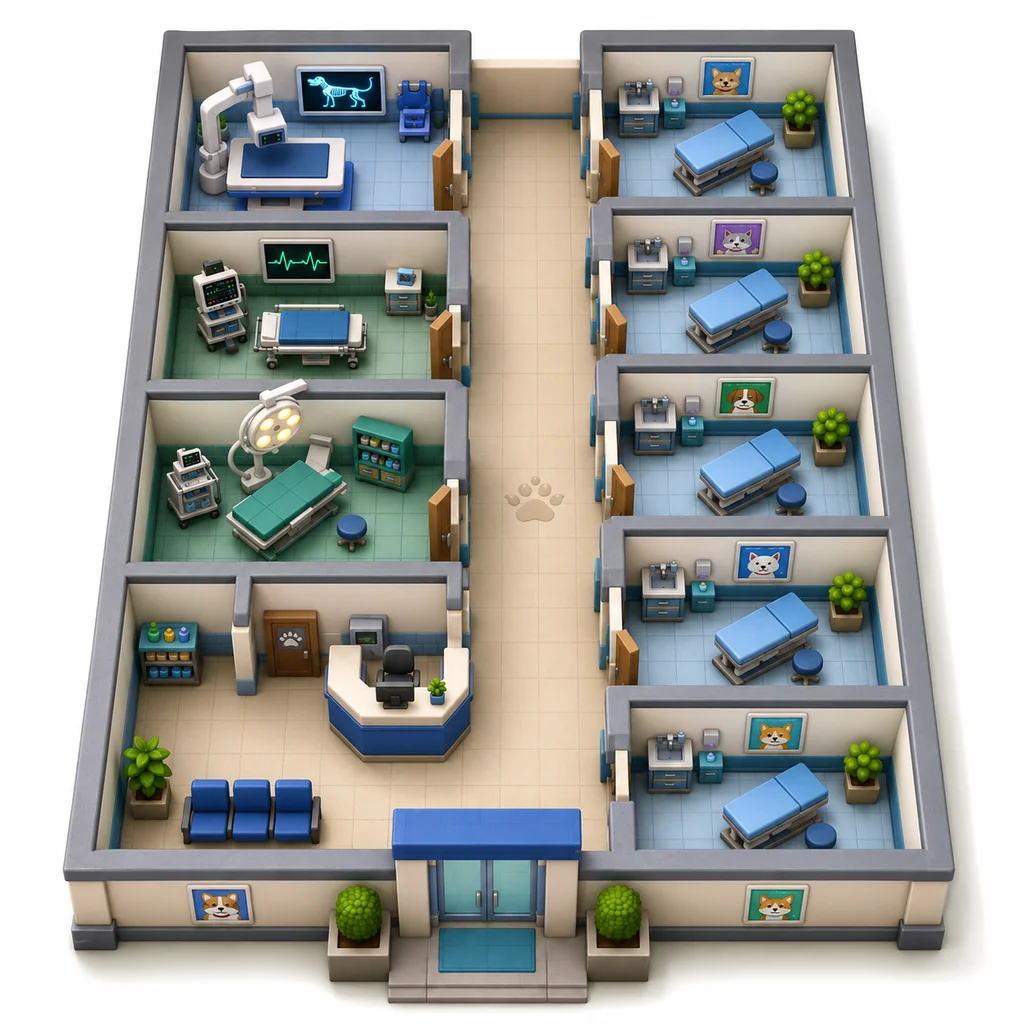
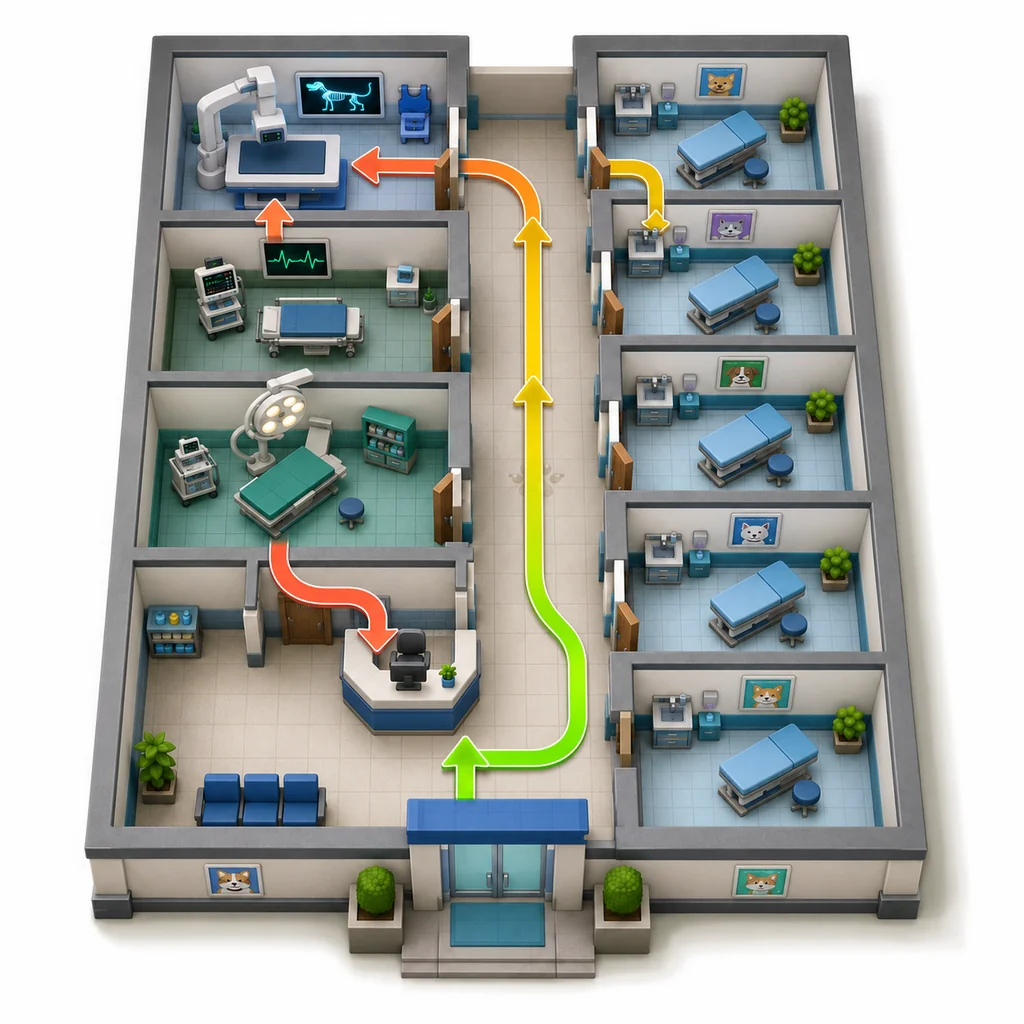
Simplified isometric Animal Hospital layout reference
Hospital overview

See the Animal Hospital shift before choosing a guide.

Use this simplified Animal Hospital layout reference to understand how reception, examination rooms, treatment spaces, and the central corridor connect. It is a guide illustration rather than an official exact map.

  1. 01Start at reception and identify the active patient file.
  2. 02Use the corridor to move between patient checks and treatment rooms.
  3. 03Keep CCTV and support roles connected to the front-desk decision.
Complete shift guide

How to use the Animal Hospital Anomaly guide during a real shift

Animal Hospital (Anomaly) mixes observation, paperwork, treatment, team movement, and story choices. The safest way to use this Animal Hospital guide is to treat it as a second screen: keep the game in Roblox, open the Animal Hospital page that matches your current job, and return to the same Animal Hospital patient-checking order whenever the waiting room becomes confusing.

01

Understand the full hospital loop

An Animal Hospital shift is easier when every task has a place. Reception compares the patient with the file, photo, complaint, and requested care. CCTV supplies a second view of the waiting room. Animal Hospital treatment begins only after the team accepts the patient and confirms the symptom. Animal Hospital classes change which part of that loop a player can handle efficiently, but they do not remove the need to communicate.

Do not jump between Animal Hospital clues without a sequence. Start with what is directly visible, compare the stored information, then use CCTV to look for details that were hidden at the window. When the checks agree, continue carefully. When one result conflicts, repeat that check. When several results conflict, stop the routine flow and review the current Animal Hospital anomaly procedure.
02

Choose the right page for the current problem

Use the Animal Hospital Shift Assistant when you need a patient-by-patient checklist. Use the Animal Hospital anomaly list when you already know where the suspicious clue appeared. Open the Animal Hospital treatment table after the patient has been admitted and the complaint is clear. The Animal Hospital class guide is for planning a build or dividing team jobs before the queue becomes busy, not for deciding whether one patient is safe.

The Animal Hospital beginner guide connects those pages into one route. Characters and updates answer narrower questions: who a recurring NPC is, where a choice may branch, and whether a guide detail changed. The Animal Hospital codes page stays short on purpose because an accurate status is more useful than a long list copied from unrelated games. Sources shows which claims come from official, community, or editorial material.

03

Keep decisions consistent under pressure

Fast Animal Hospital play does not mean skipping evidence. It means using the same compact routine until the order becomes familiar. In an Animal Hospital team, assign one player to reception decisions, one to CCTV, one to treatment supplies, and one to dangerous responses when the team is large enough. In smaller groups, combine jobs deliberately so that two people do not assume the other person checked the same clue.

Reset your mental checklist for every new Animal Hospital patient. A clean result from the previous file says nothing about the next visitor. Keep inventory choices tied to confirmed symptoms, call out unusual visuals in plain language, and tell teammates when a result is still unknown. An open check is better than a confident guess when the Animal Hospital game has not shown enough evidence.

04

Know what this fan guide can and cannot confirm

This Animal Hospital guide summarizes a live Roblox experience whose visuals, prices, perks, and procedures can change. Official game metadata identifies the experience, while community and editorial sources help explain Animal Hospital mechanics. A source label is not a promise that old information can never become outdated. If the live Animal Hospital game disagrees with the page, follow the game and report the mismatch.

The Animal Hospital checklist does not read Roblox, inspect a server, or guarantee an outcome. It helps players remember observations and compare them in a repeatable order. Story routes can also differ after a choice, so the character page avoids presenting one community account as the only possible result. Use the Animal Hospital guide to organize attention, then make the final decision with the evidence shown in your current Animal Hospital shift.

Why this site helps

Compare first, then make the shift decision.

Visual references make the Animal Hospital guide faster to scan while Roblox is open in another window.

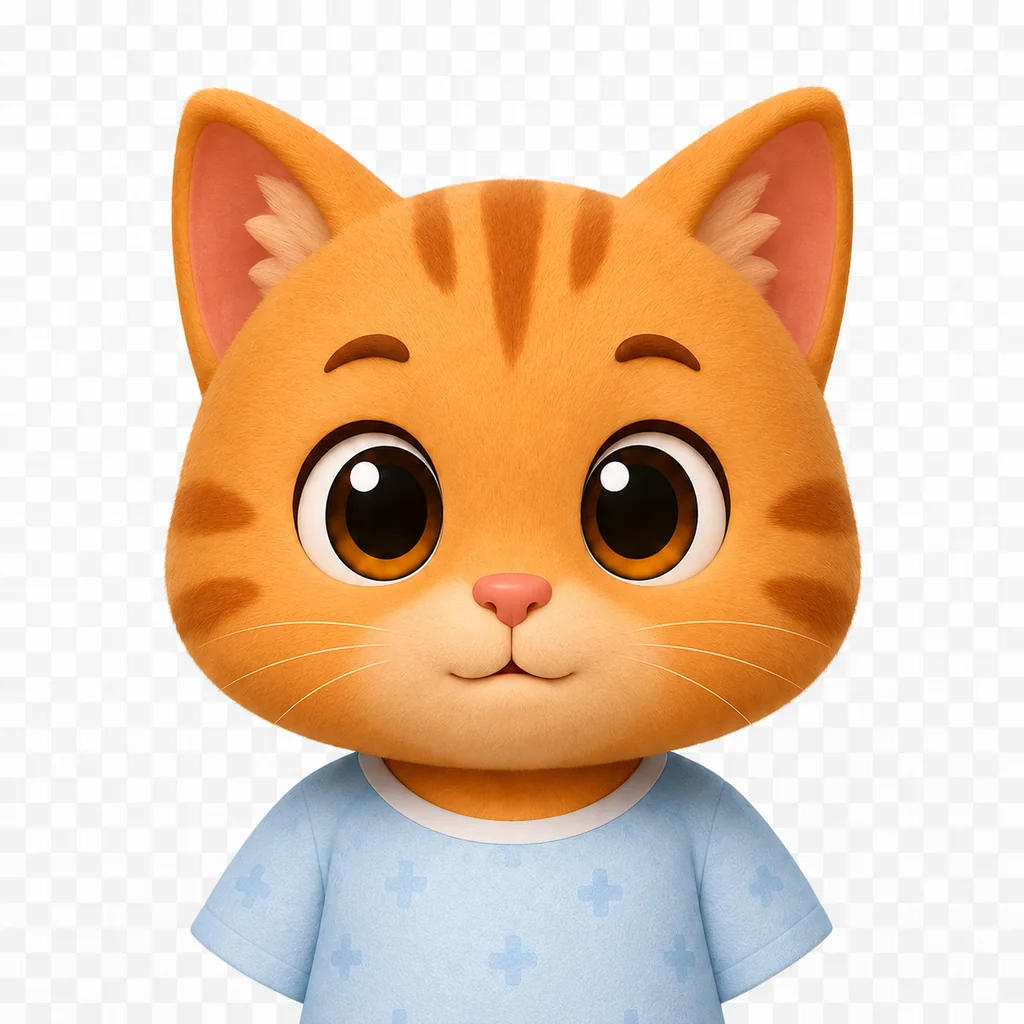
Normal patient face reference
Visual comparison

Recognize normal vs abnormal

Use a normal patient reference before judging an Animal Hospital anomaly.

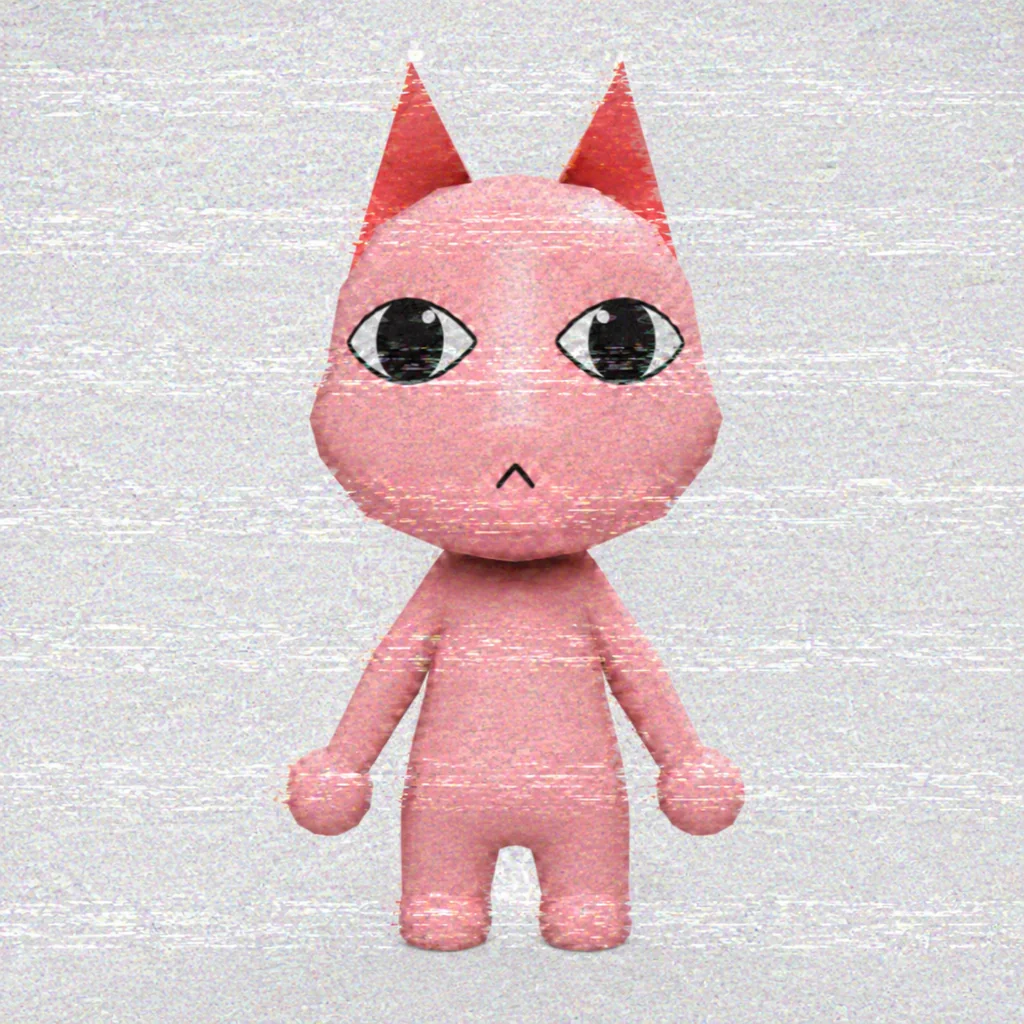
Static covering a patient photo
Photo and CCTV

Check device-only clues

Some Animal Hospital anomalies become clearer in a photo or CCTV view.

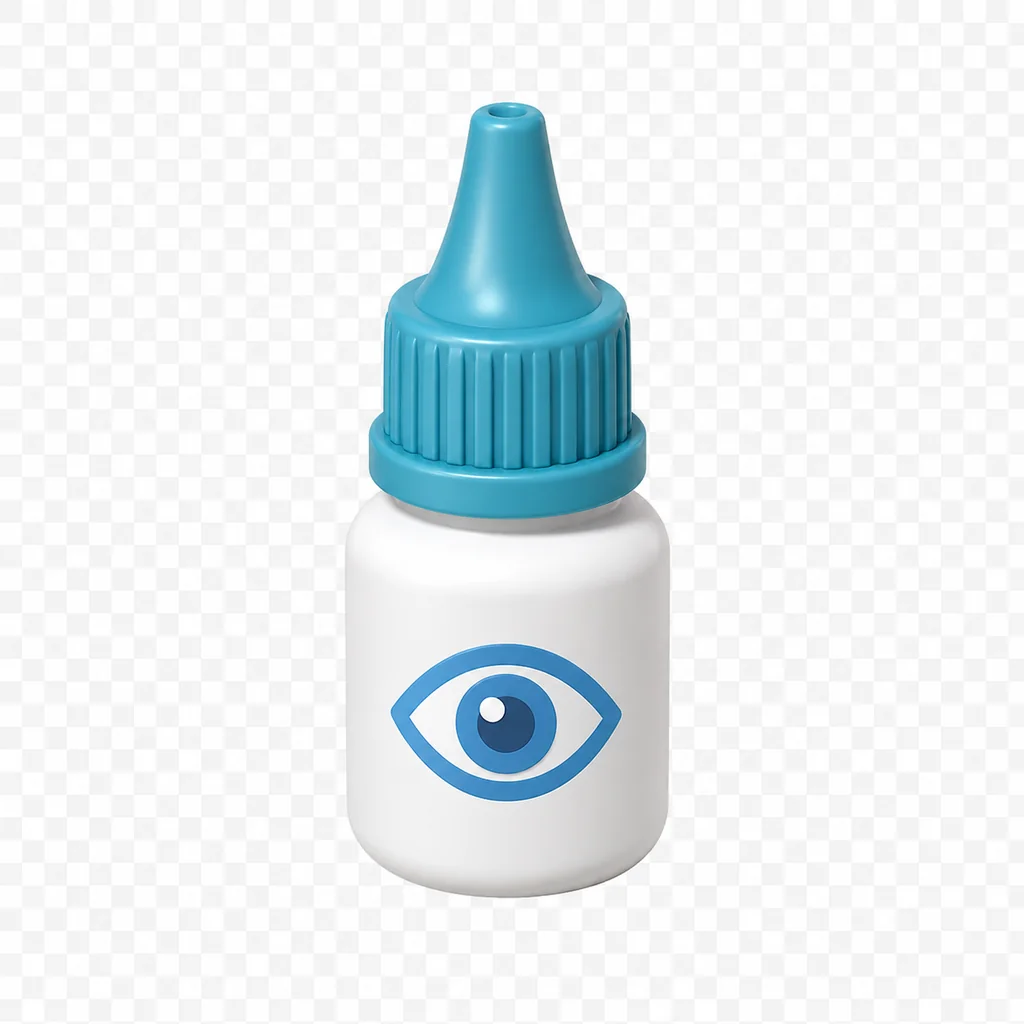
Eyedrops treatment item
Fast treatment

Treat patients efficiently

Find the Animal Hospital treatment item that matches the confirmed symptom.

During a shift

Check every patient in the same order.

File first. Then window, photo, CCTV, and treatment. A repeatable routine makes busy shifts easier.

  1. Step 1

    Compare the file

    Check the patient against the photo, name, complaint, and requested care.

  2. Step 2

    Review CCTV

    Look for body, face, movement, and behavior that changed away from the window.

  3. Step 3

    Classify the risk

    A single warning deserves another check. Multiple mismatches demand escalation.

  4. Step 4

    Treat accurately

    Once admitted, match the symptom with the correct room and item.

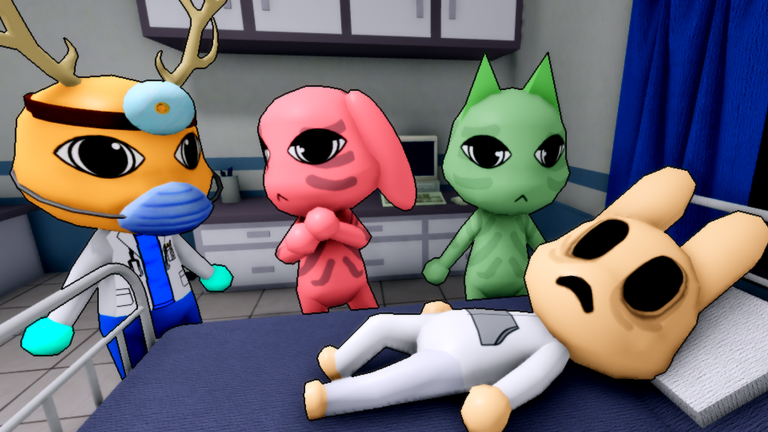
Animal Hospital doctor and patients inside a treatment room
Guide updates

When the game changes, check here first.

Class perks, treatments, and anomaly signs can change after an update. Each guide links to its sources, and important changes are listed on the Updates page.

Before you play

A few things worth knowing.

This guide is for the Roblox game, not a real animal hospital.

Is this an official Animal Hospital (Anomaly) website?

No. Animal Hospital Shift Desk is an independent fan companion. The Roblox game and its artwork belong to their respective owners.

Can I play Animal Hospital (Anomaly) on this website?

No. Roblox Experiences are launched through Roblox. Our play buttons open the official game page in a new tab.

Does Animal Hospital currently have working codes?

No redemption system or active code is currently confirmed. The Codes page explains what has been found.

Does the Shift Assistant guarantee the right answer?

No. It is a second-screen checklist built from community-documented checks. Updates and live game events can change what you see.

Ready for the night shift

Keep the desk open while you play.

Open Roblox in one tab and keep the Shift Assistant, anomaly list, or treatment reference in another.

We use optional Google Analytics only if you allow it. Future ads may use third-party cookies or similar identifiers; details are listed in the Privacy Policy.