Skip to content
Animal HospitalShift Desk
Visual anomaly reference

Animal Hospital Anomalies Guide

Use this page to compare normal patients with direct, photo, and CCTV anomalies.

Anomaly checking method

How to confirm Animal Hospital anomalies without relying on one clue

The Animal Hospital anomalies list is most useful when it supports a comparison, not when it replaces one. A strange face, noisy photo, or unusual CCTV moment should tell you where to look next. The goal is to combine independent observations until the team has a clear reason to continue, repeat a check, or stop routine admission.

01

Start with the window

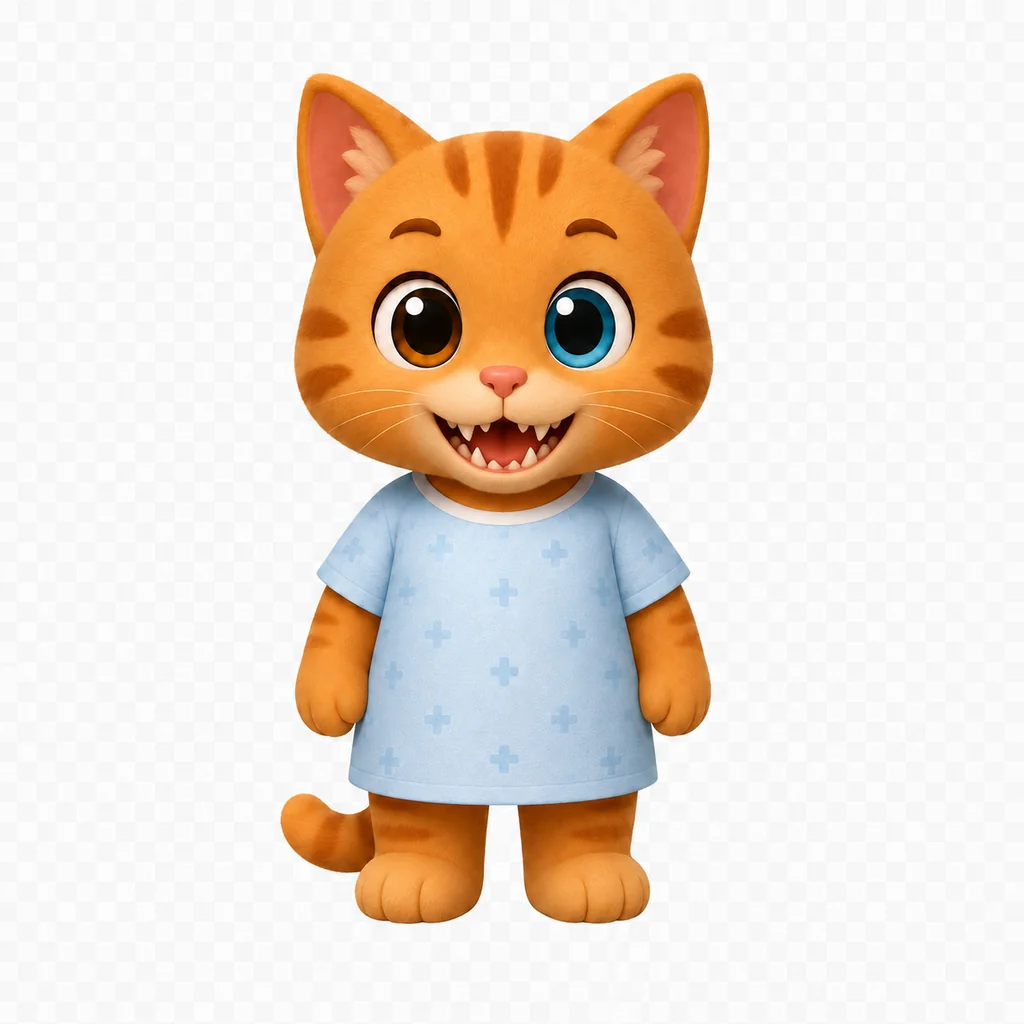
The window gives you the cleanest first impression of the face and movement. Compare eyes, teeth, ears, color, jaw shape, and repeated twitching before opening another view. Describe what is different instead of saying only that the patient looks wrong. A specific call such as an extra eye or mismatched teeth is easier for teammates to verify.

Normal-looking window details are not proof by themselves. Some documented warning patterns appear more clearly after the patient moves to the waiting room. Record the first observation, then compare it with the photo and CCTV rather than letting a strong first impression decide the whole file.
02

Treat the photo as a comparison

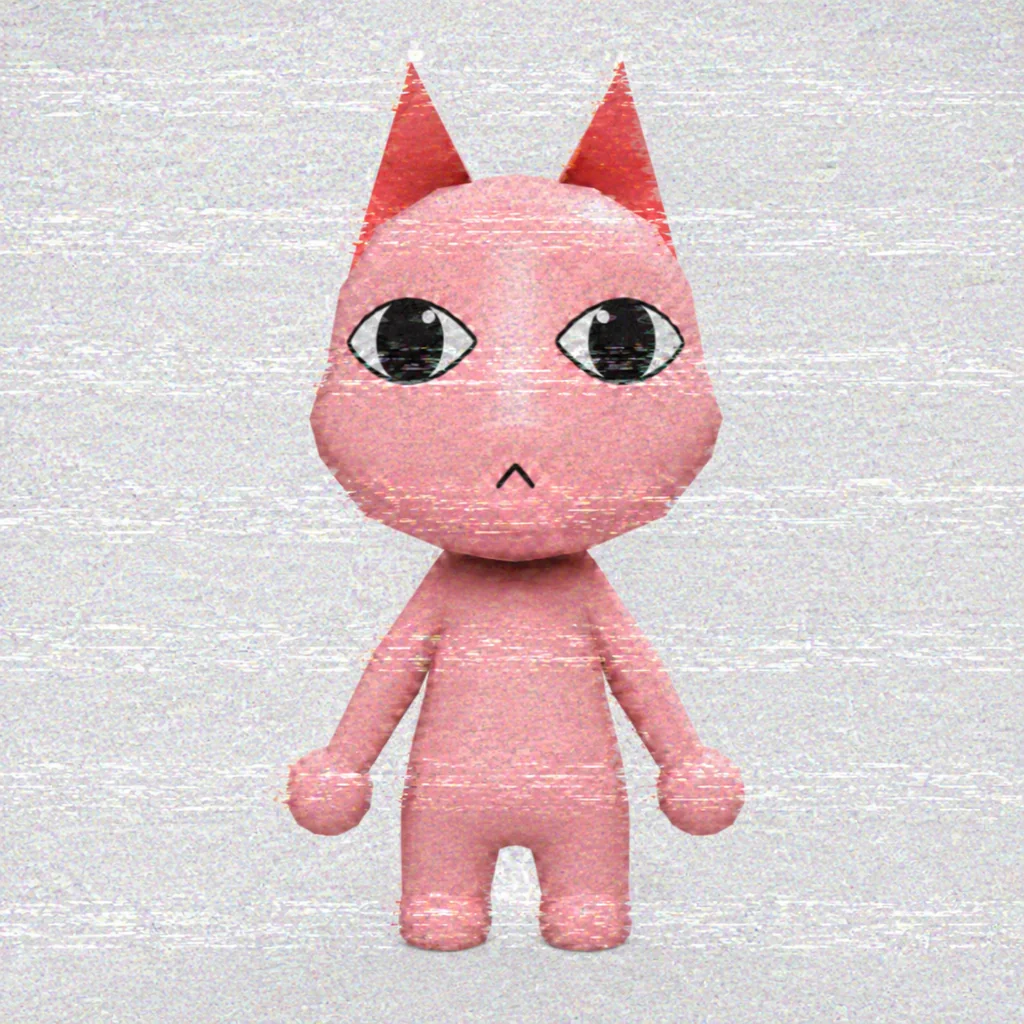
Compare the live patient with the stored image feature by feature. Look at the outline of the head, eye placement, mouth, ears, color, and any detail that changes identity. A photo mismatch is stronger when you can name the exact feature and confirm that the difference is not caused by angle, lighting, or a quick animation.

Static deserves attention but should not become an automatic rejection. Community notes specifically warn that photo interference can appear without proving the patient is anomalous. Keep the file open, repeat another visual check, and use CCTV before turning one noisy image into a final call.

03

Use CCTV as an independent view

CCTV can reveal the full body, silhouette, posture, limbs, eyes, ears, and behavior away from the front desk. Watch for details that changed between views, including a disguise that no longer holds, a black or void-like appearance, unnatural proportions, or a patient tracking the camera. Compare the same feature across views whenever possible.

Do not let a dramatic camera moment erase the earlier evidence. Ask whether the window, photo, and CCTV point toward the same problem. When they disagree, repeat the relevant view or ask a teammate to confirm it. Multiple checks that independently identify the same mismatch provide a clearer basis than one memorable animation.

04

Avoid the most common checking mistakes

The first mistake is deciding too early: rejecting on static, accepting after one normal view, or treating a vague feeling as a documented sign. The second is changing the order for every patient, which makes it difficult to remember what was actually checked. The third is using story knowledge or a previous visitor to guess the current file.

Use plain observations, finish the available views, and separate unknown from normal. If the game has not shown enough information, leave the result open instead of forcing it into a safe or dangerous category. This database is a reminder of warning patterns; the current shift still controls which evidence exists.

Community video guide

See the monsters and events in motion.

Use this English community overview as a visual supplement, then return to the normal, photo, and CCTV comparisons below.

English guide

All Anomalies, Events & Jumpscares Guide

An English community walkthrough focused on anomaly checks, event reactions, and the situations players can meet during a shift.

Watch on YouTube

Community-created guide. Not affiliated with the Animal Hospital developers.

Direct anomalies

Check what you can see before opening another screen.

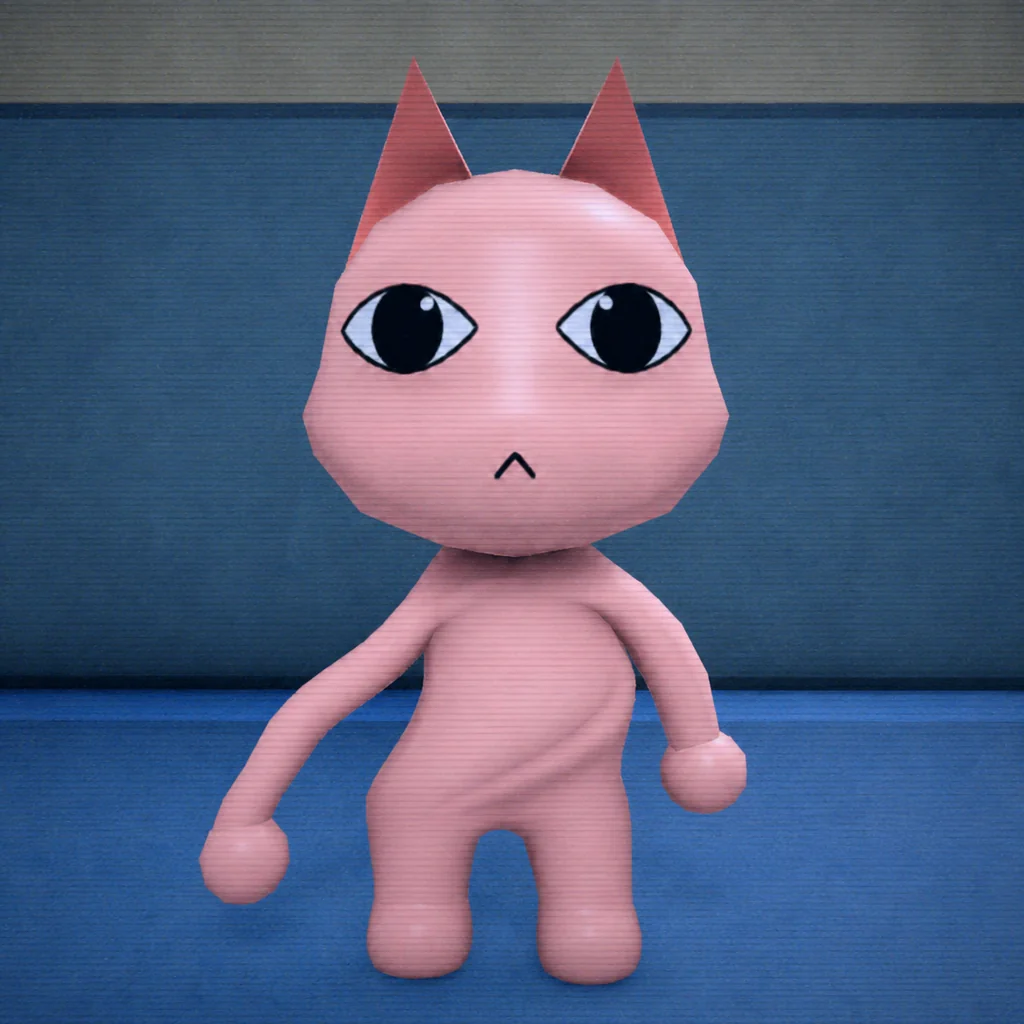
Start with the normal face, then compare eyes, teeth, ears, face shape, and movement at the window.

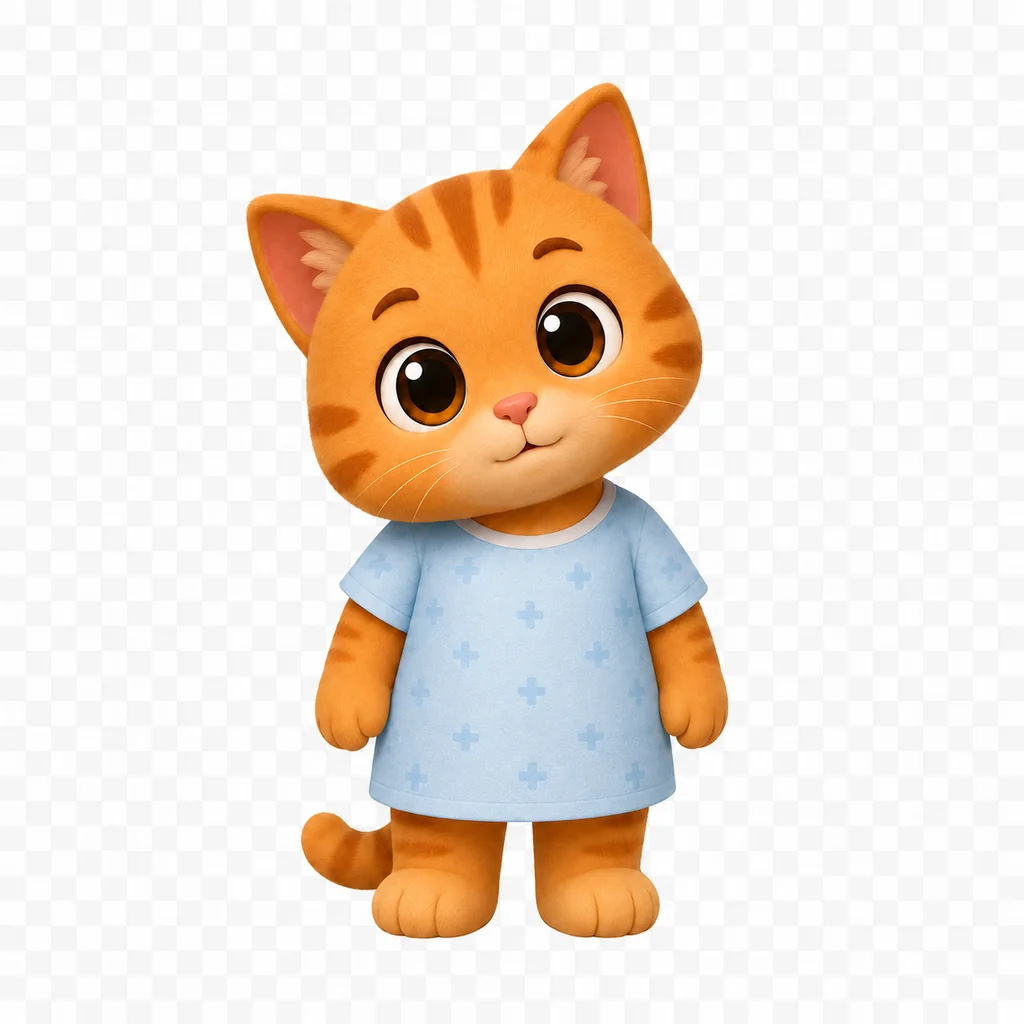
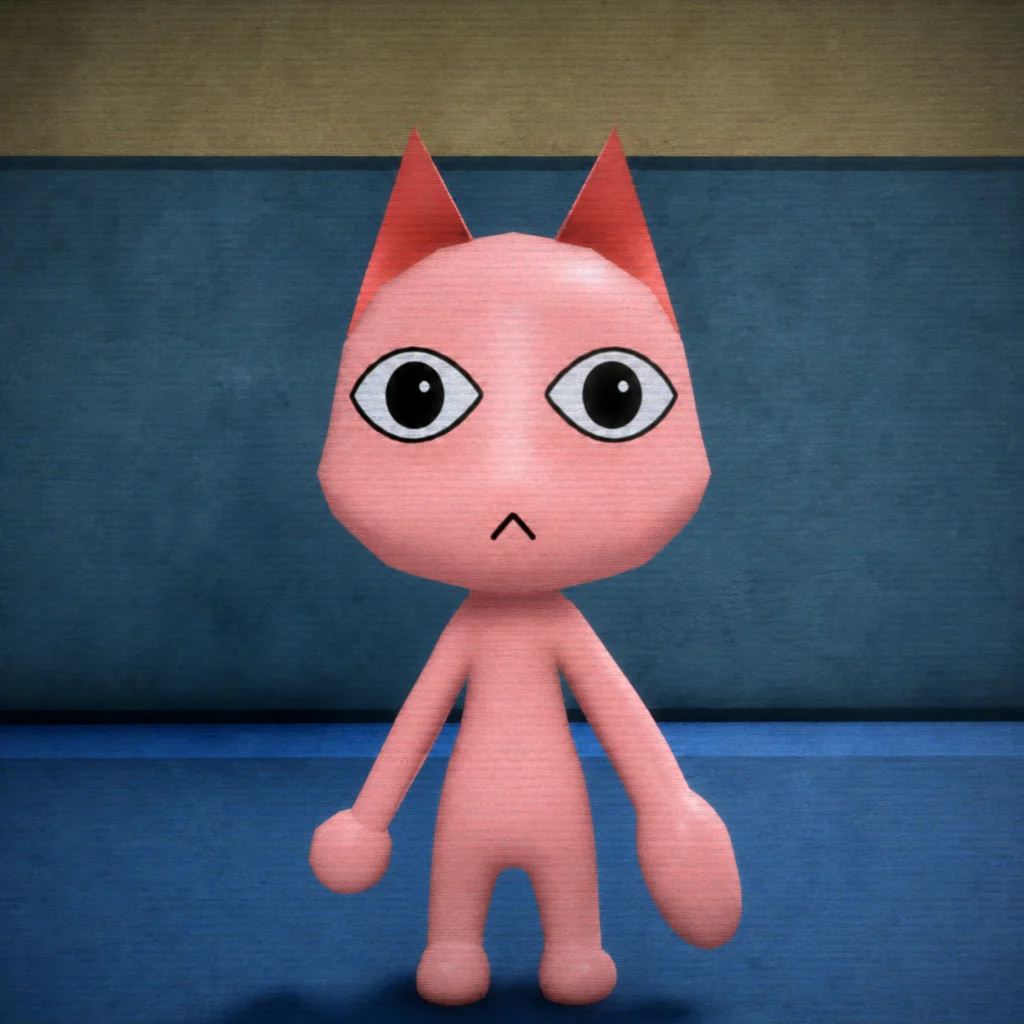
Normal patient face reference
Normal reference

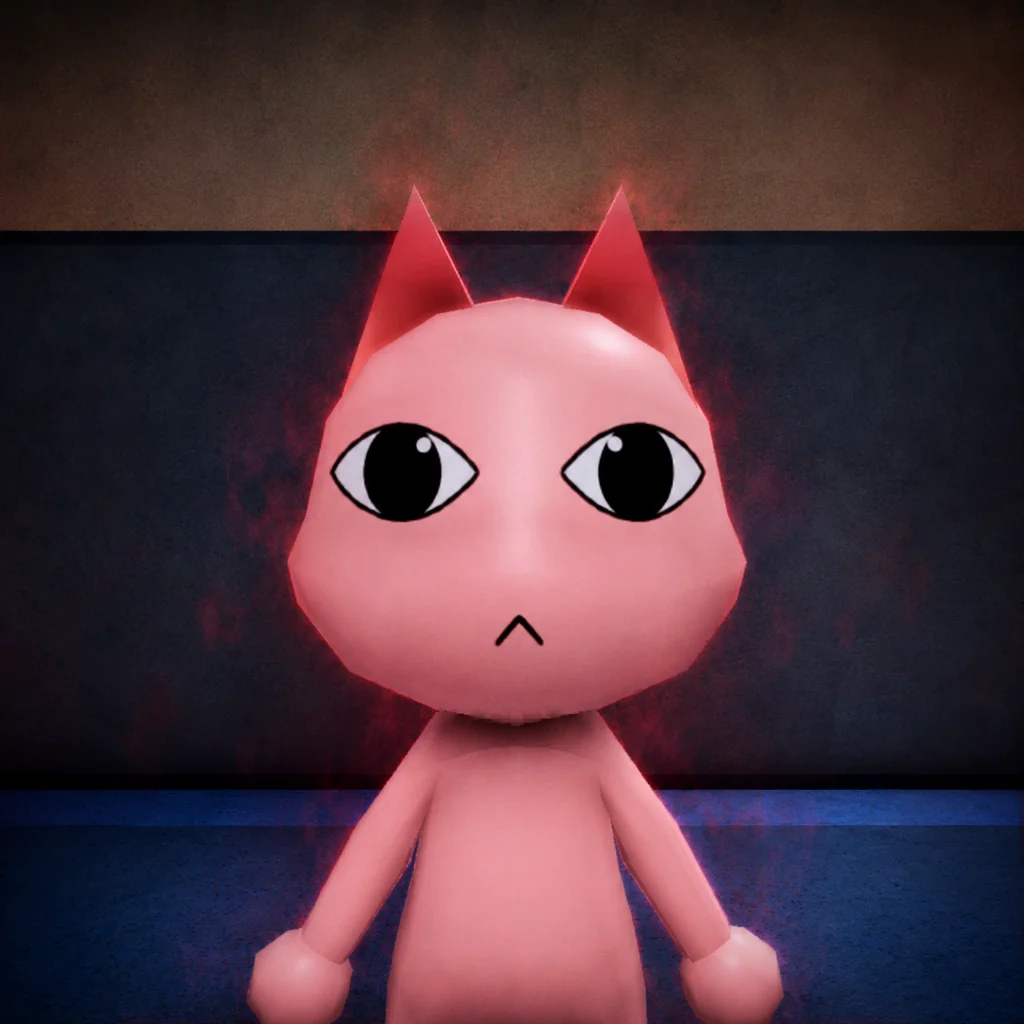
Normal patient face

Check the expected eyes, ears, mouth, and face shape before judging a direct anomaly.

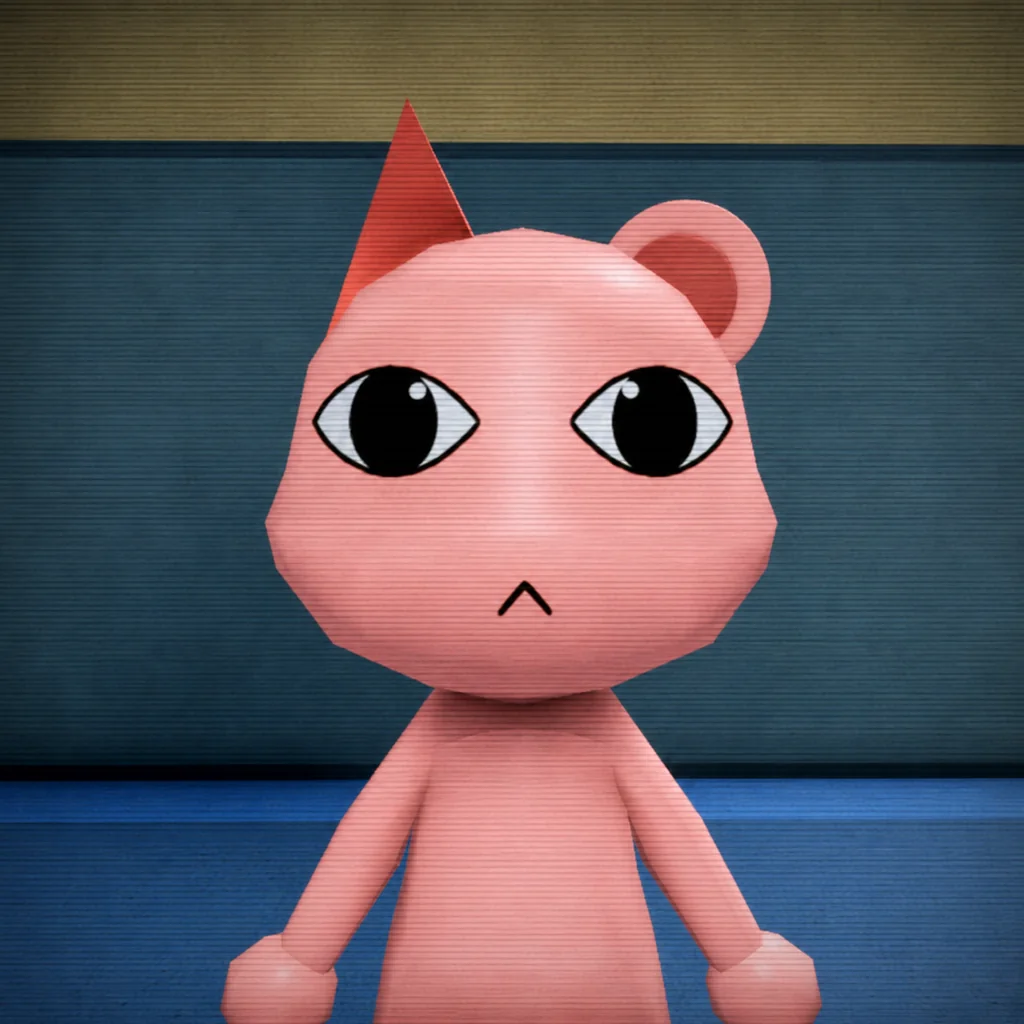
Mismatched eyes and sharp teeth anomaly example
Direct anomaly

Mismatched eyes and sharp teeth

Compare this direct anomaly with the normal Animal Hospital patient reference.

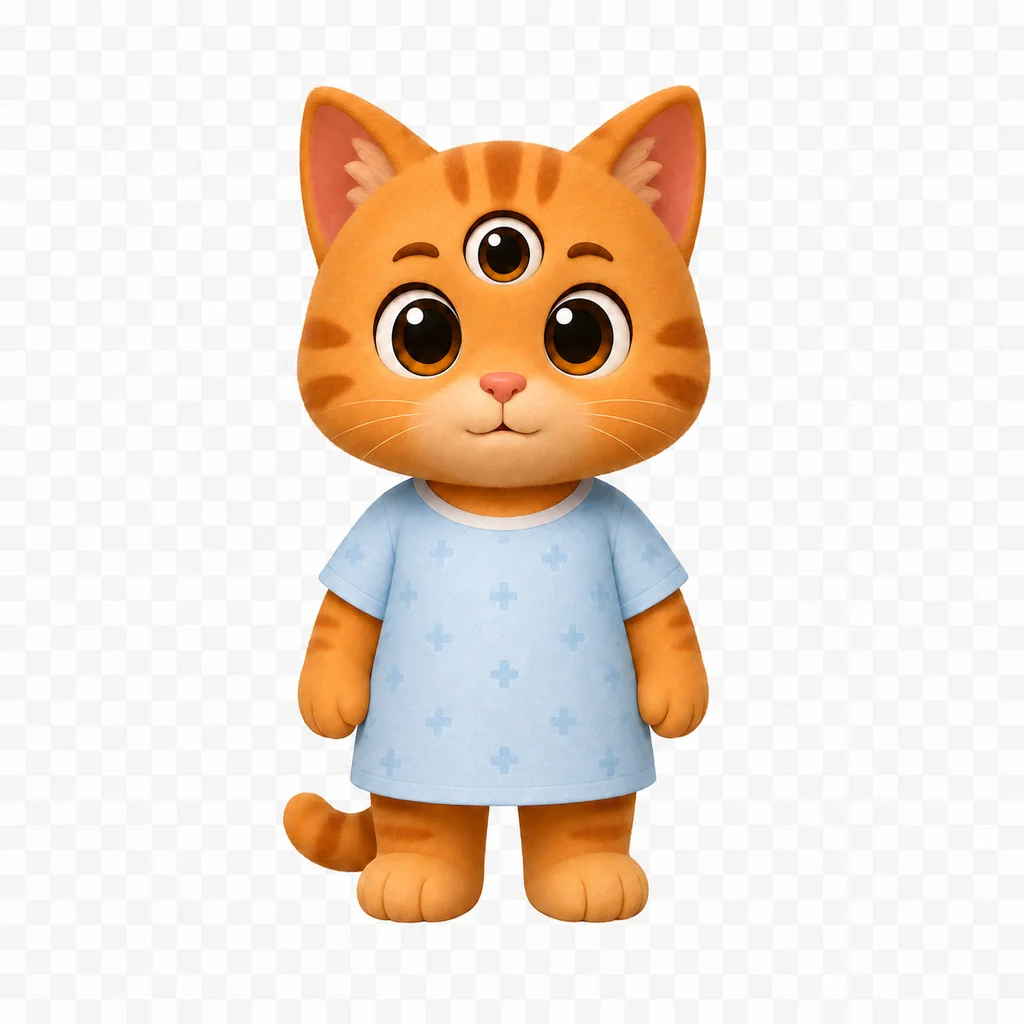
Three eyes anomaly example
Direct anomaly

Three eyes

Compare this direct anomaly with the normal Animal Hospital patient reference.

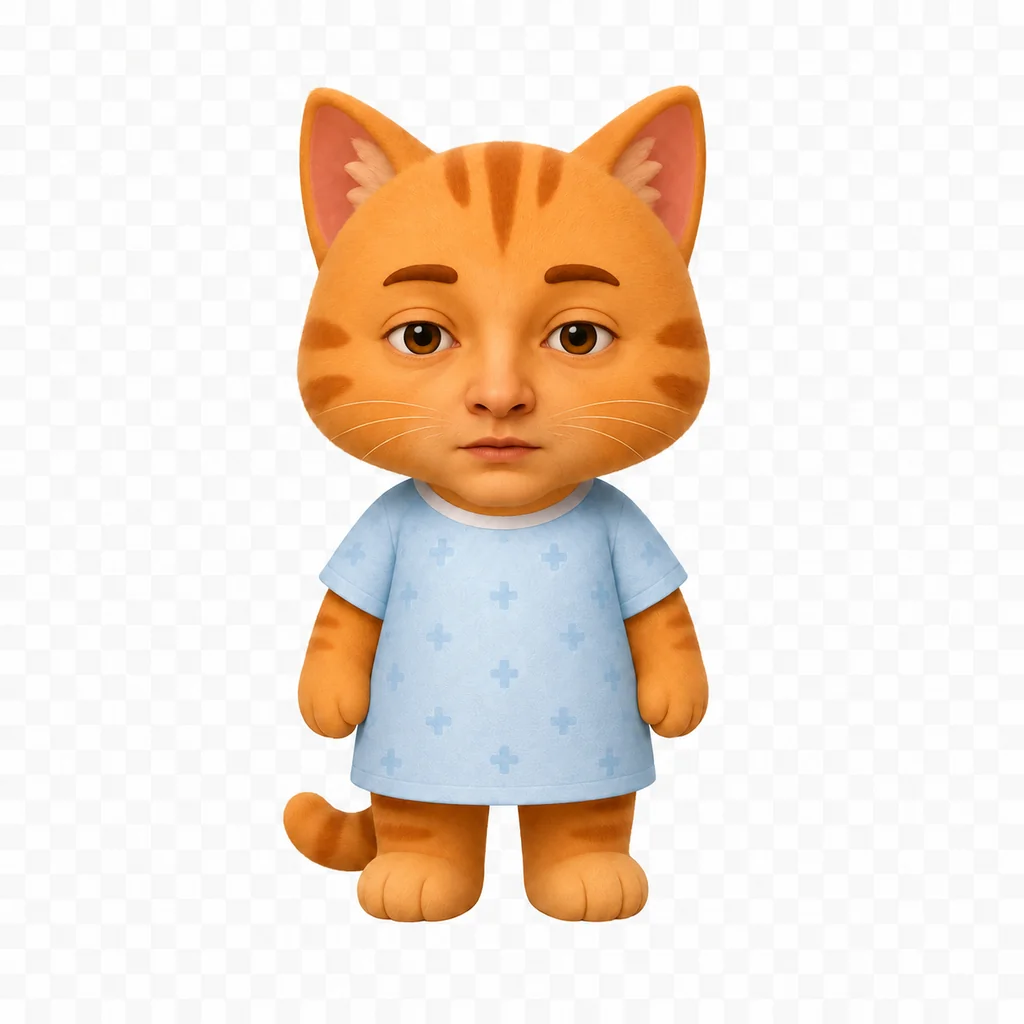
Unnatural face anomaly example
Direct anomaly

Unnatural face

Compare this direct anomaly with the normal Animal Hospital patient reference.

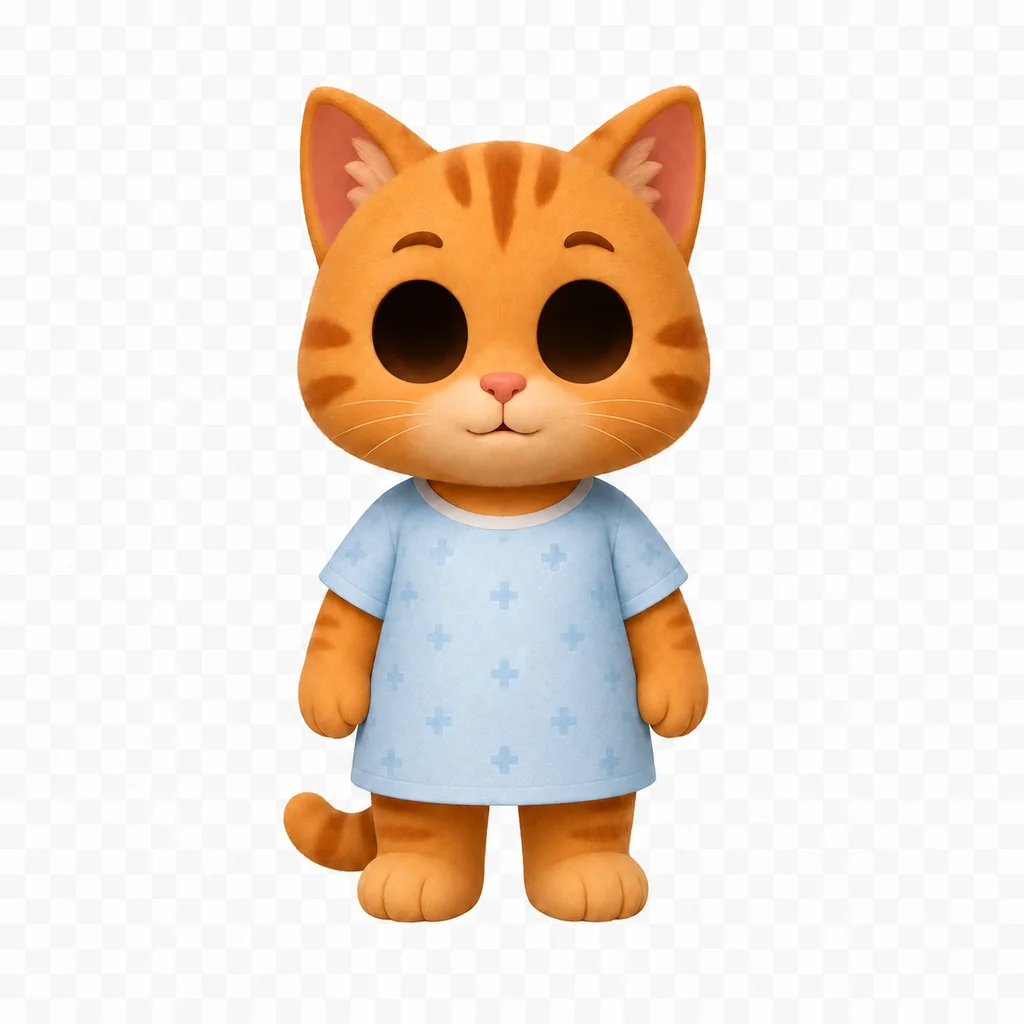
Hollow face anomaly example
Direct anomaly

Hollow face

Compare this direct anomaly with the normal Animal Hospital patient reference.

Twitching patient anomaly example
Direct anomaly

Twitching patient

Compare this direct anomaly with the normal Animal Hospital patient reference.

Photo anomalies

Treat the patient photo as a separate check.

Compare the photo carefully. A patient can look normal at the window while the file photo contains the mismatch.

Normal patient file photo reference
Normal photo reference

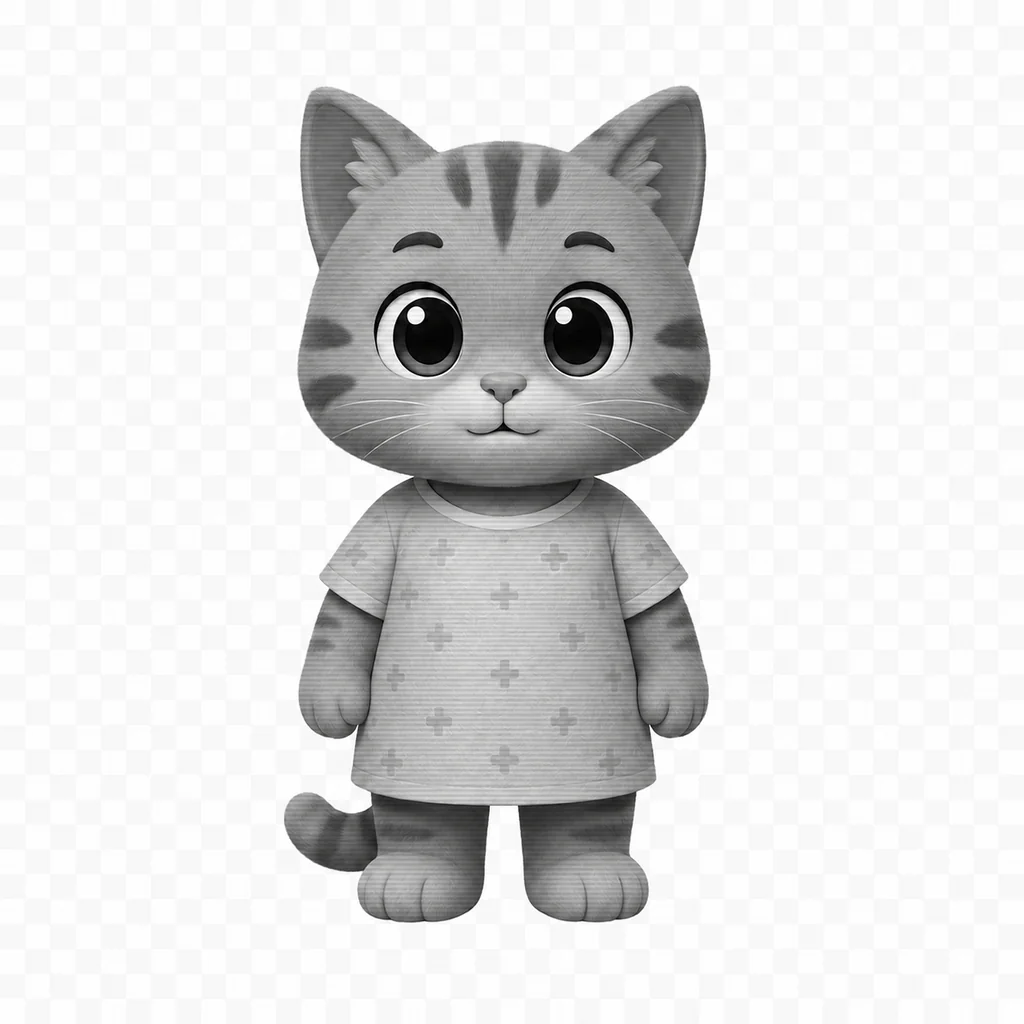
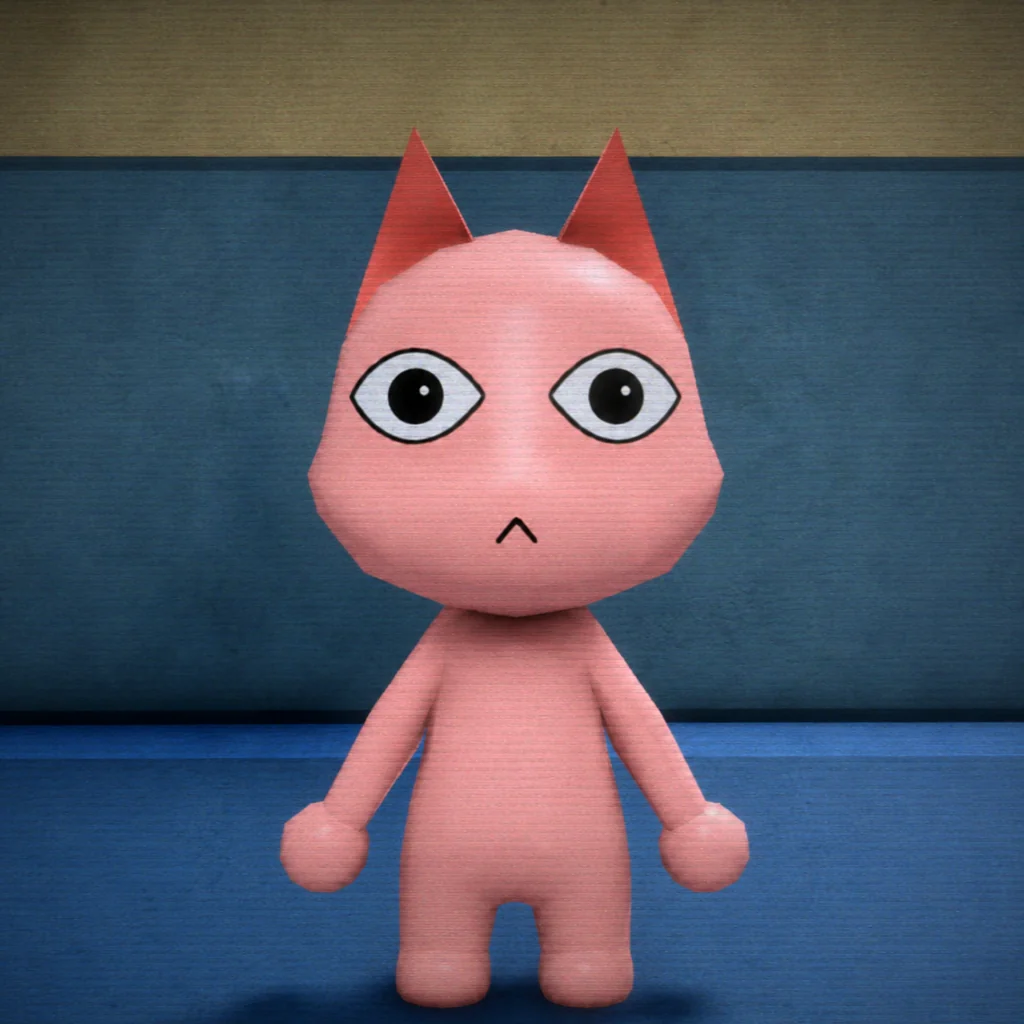
Normal patient photo

Compare the patient file photo carefully, even when the person at the window looks normal.

Incorrect eyes in photo anomaly example
Photo anomaly

Incorrect eyes in photo

Compare this photo anomaly with the normal Animal Hospital patient reference.

Wrong ears in photo anomaly example
Photo anomaly

Wrong ears in photo

Compare this photo anomaly with the normal Animal Hospital patient reference.

Wrong mouth in photo anomaly example
Photo anomaly

Wrong mouth in photo

Compare this photo anomaly with the normal Animal Hospital patient reference.

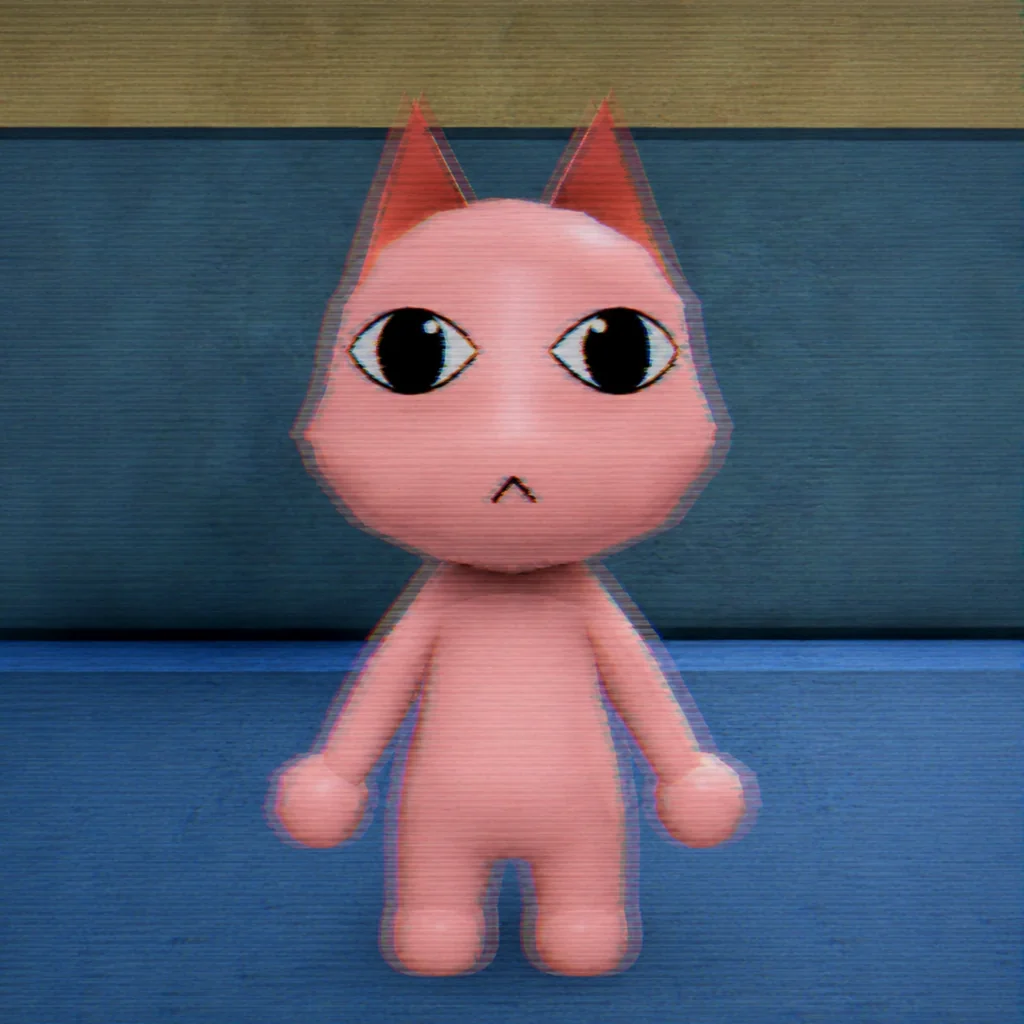
Photo static anomaly example
Photo anomaly

Photo static

Compare this photo anomaly with the normal Animal Hospital patient reference.

Cursed photo anomaly example
Photo anomaly

Cursed photo

Compare this photo anomaly with the normal Animal Hospital patient reference.

CCTV anomalies

Use the second angle before making the final call.

The waiting-room camera can reveal body distortion, staring, twitching, or another clue hidden from the front desk.

Normal patient appearance on CCTV
Normal CCTV reference

Normal patient on CCTV

Use the waiting-room camera to confirm body shape, movement, and behavior from a second angle.

Black eyes on CCTV anomaly example
CCTV anomaly

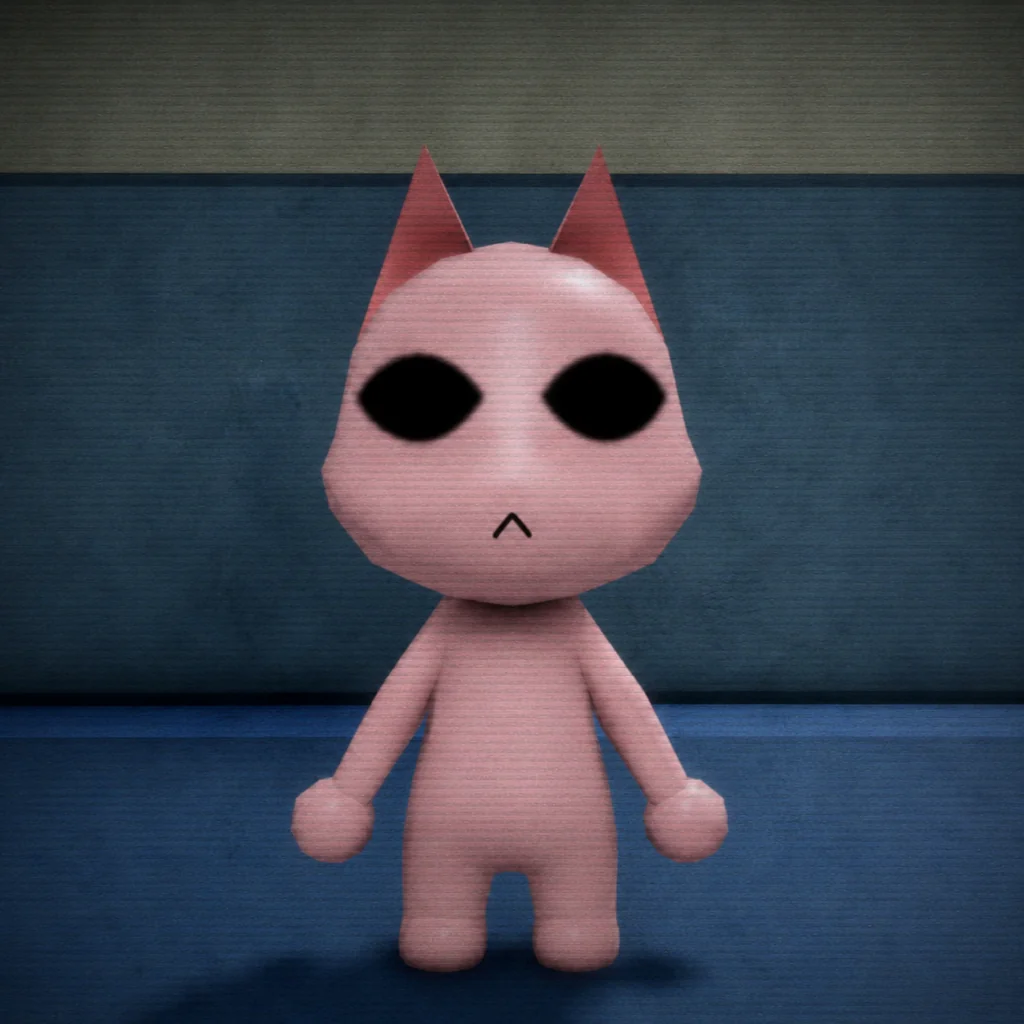
Black eyes on CCTV

Compare this cctv anomaly with the normal Animal Hospital patient reference.

Distorted body anomaly example
CCTV anomaly

Distorted body

Compare this cctv anomaly with the normal Animal Hospital patient reference.

Staring at CCTV anomaly example
CCTV anomaly

Staring at CCTV

Compare this cctv anomaly with the normal Animal Hospital patient reference.

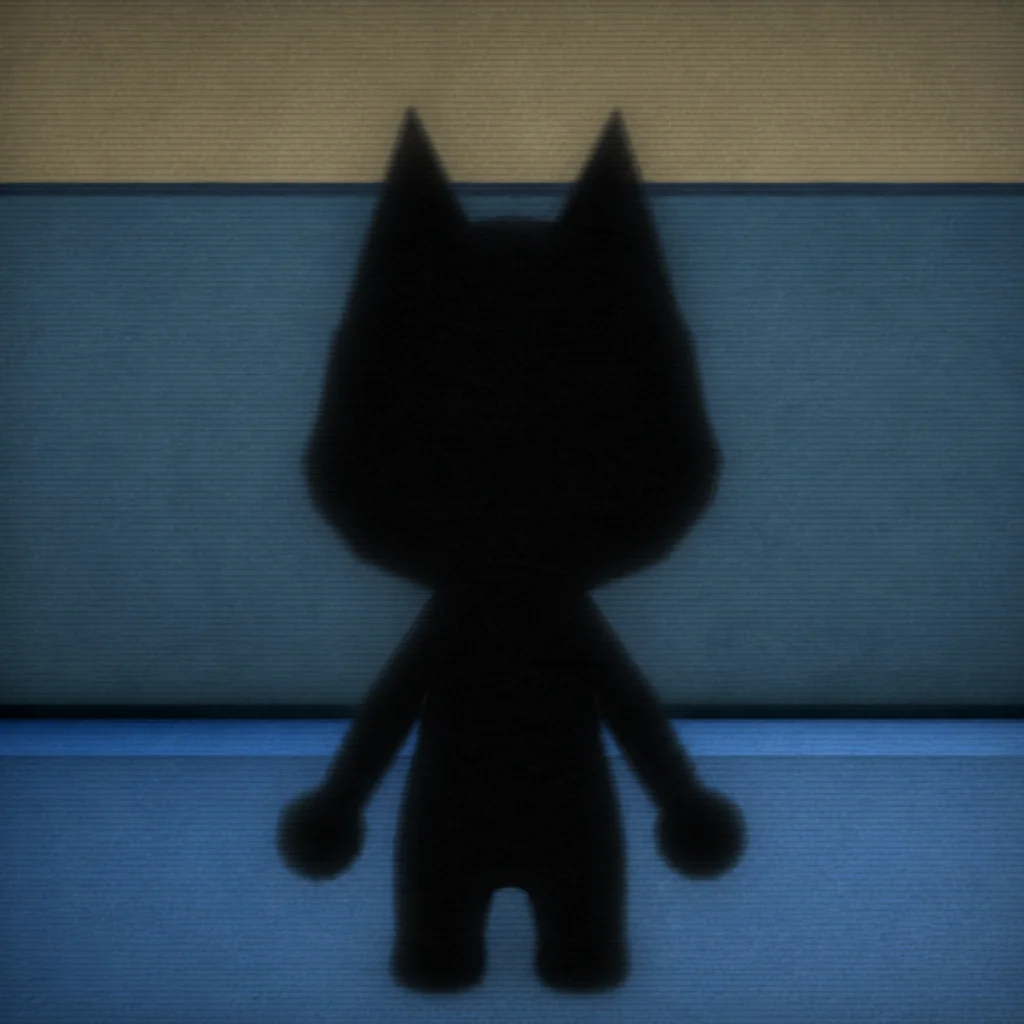
Void appearance anomaly example
CCTV anomaly

Void appearance

Compare this cctv anomaly with the normal Animal Hospital patient reference.

CCTV twitching anomaly example
CCTV anomaly

CCTV twitching

Compare this cctv anomaly with the normal Animal Hospital patient reference.

Shapeshifter reveal anomaly example
CCTV anomaly

Shapeshifter reveal

Compare this cctv anomaly with the normal Animal Hospital patient reference.

Mismatched ears anomaly example
CCTV anomaly

Mismatched ears

Compare this cctv anomaly with the normal Animal Hospital patient reference.

Window checkHigh

Mismatched eyes or teeth

One of the clearest visual warnings is an eye, jaw, or tooth pattern that does not match a normal patient.

Suggested response: Pause admission and complete the remaining checks before you act.
Confidence: Community
Window checkHigh

Extra eyes

Three visible eyes or an eye appearing where it should not be is treated as a strong anomaly sign.

Suggested response: Escalate immediately and avoid relying on paperwork alone.
Confidence: Community
Window checkHigh

Unnatural face shape

A distorted, hollow, or structurally impossible face is a high-risk visual mismatch.

Suggested response: Treat the patient as suspicious and verify with CCTV or the photo.
Confidence: Community
Window checkMedium

Continuous twitching

Repeated unnatural twitching can be a warning sign, especially when another check also fails.

Suggested response: Run a second check before deciding.
Confidence: Community
Photo checkHigh

Photo does not match

Compare the patient with the photograph. Eyes, ears, mouth, color, or face shape may be different.

Suggested response: Mark the file for review and verify the patient through CCTV.
Confidence: Community
Photo checkCaution

Static in the photo

Static is a reason to keep checking, but community notes warn that it is not always proof on its own.

Suggested response: Do not reject on static alone. Check the patient and CCTV.
Confidence: Cross-checked
CCTV checkHigh

Black or altered eyes on CCTV

The waiting-room camera may reveal eye details that are hidden at the front window.

Suggested response: Use the camera result as a strong secondary confirmation.
Confidence: Community
CCTV checkHigh

Unnatural body on CCTV

Body proportions, ears, limbs, or silhouettes can look different away from the window.

Suggested response: Stop the normal admission flow and verify the anomaly procedure.
Confidence: Community
CCTV checkMedium

Patient staring at the camera

A patient unnaturally tracking or staring at the camera is a documented warning pattern.

Suggested response: Combine this with one more failed check before committing.
Confidence: Community
CCTV checkHigh

Void or black visual

A void-like body, missing visual detail, or blacked-out appearance is a strong camera warning.

Suggested response: Escalate and do not continue a routine treatment flow.
Confidence: Community
CCTV checkHigh

Disguise breaks on camera

Some suspicious patients can look ordinary at the window but reveal a different form on CCTV.

Suggested response: Trust the full multi-check workflow rather than the first impression.
Confidence: Community
CCTV checkMedium

Ear shape mismatch

Small ear-shape differences are easy to miss and are worth comparing across the photo and camera.

Suggested response: Zoom your attention to the head silhouette and re-check the photo.
Confidence: Community

We use optional Google Analytics only if you allow it. Future ads may use third-party cookies or similar identifiers; details are listed in the Privacy Policy.